Teltonika DualCam Configuration ( fmc 125/225)
FMX125/225 configuration
- Please make sure to download the latest DualCam FW version. The latest FWs can be downloaded from the following Wiki page — DualCam Firmware errata
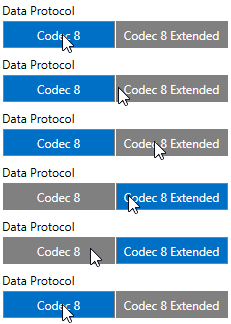
- It is necessary to change Data Protocol to Codec 8 Extended
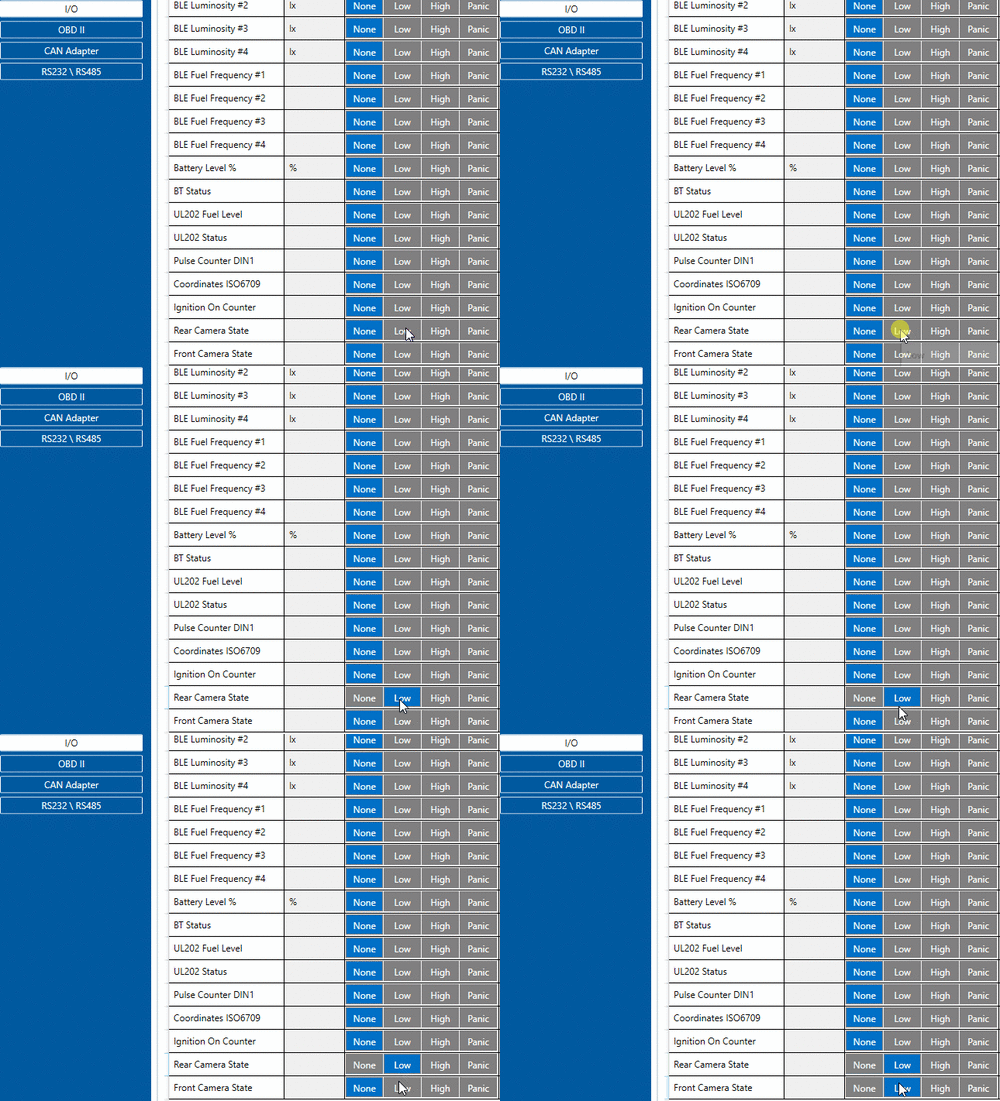
- Make sure to change I/O Camera state Priorities to Low
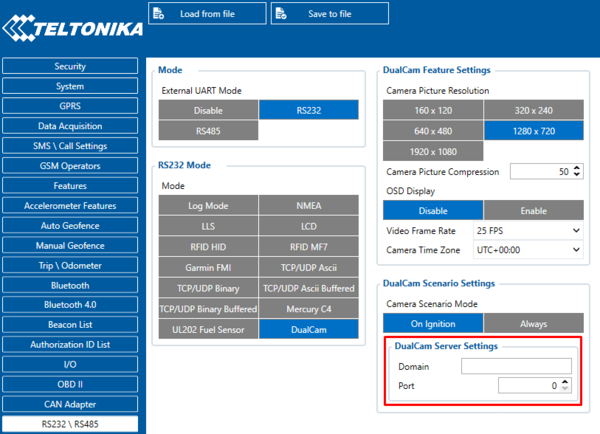
- In RS232\RS485 settings change Mode to RS232 and in RS232 Mode select DualCam
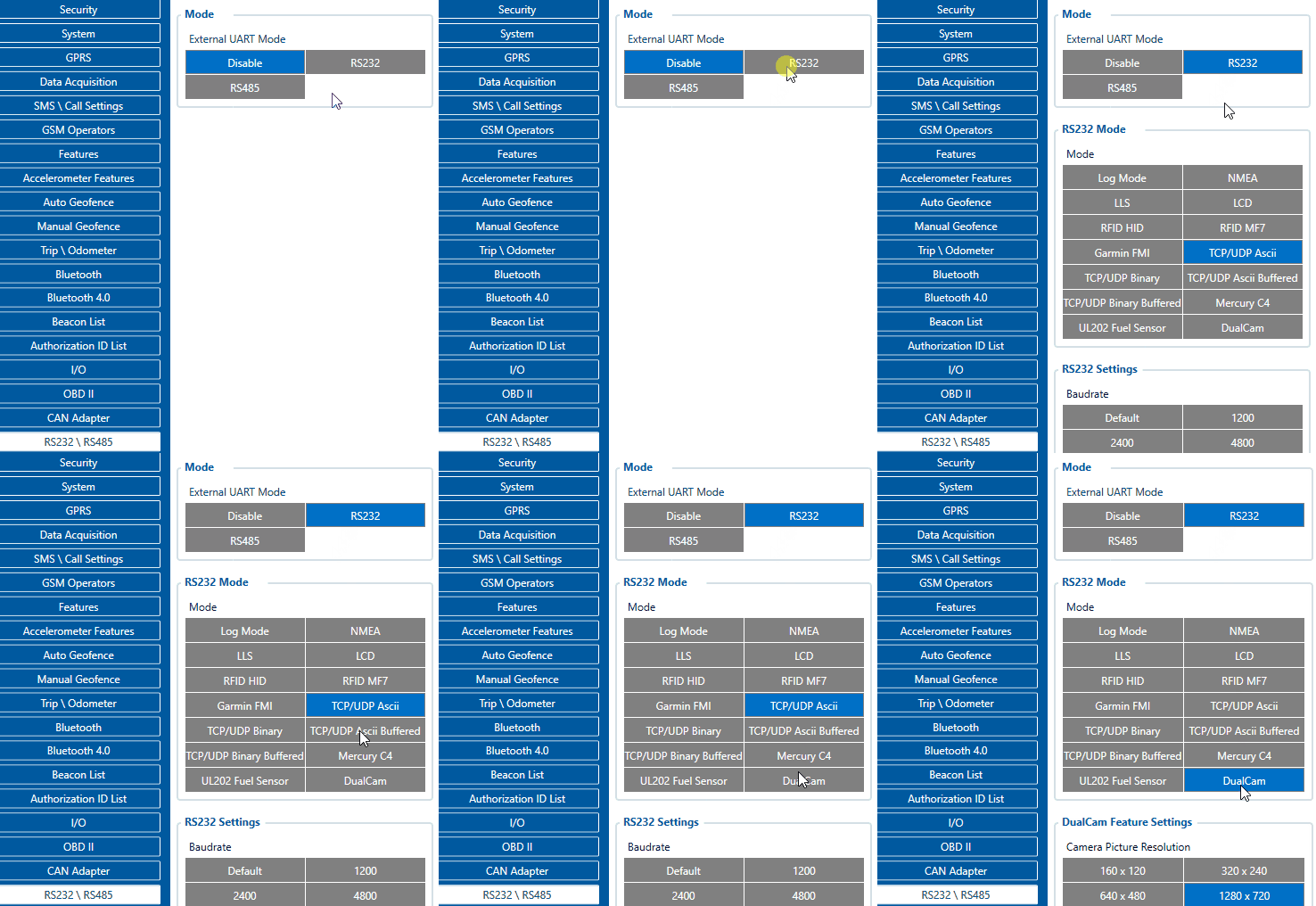
- Do not forget to configure DualCam server information. In RS232\RS485 fill in DualCam Server Settings with Domain and Port entries.
server: media.gpsiot.net for dualcam port : 12071 for dsm port :12072
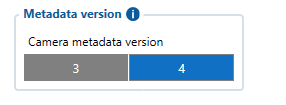
Metadata version